Démarrage Rapide
Faites fonctionner SpareDisplay entre un Mac et un appareil Android.
Ce dont vous avez besoin
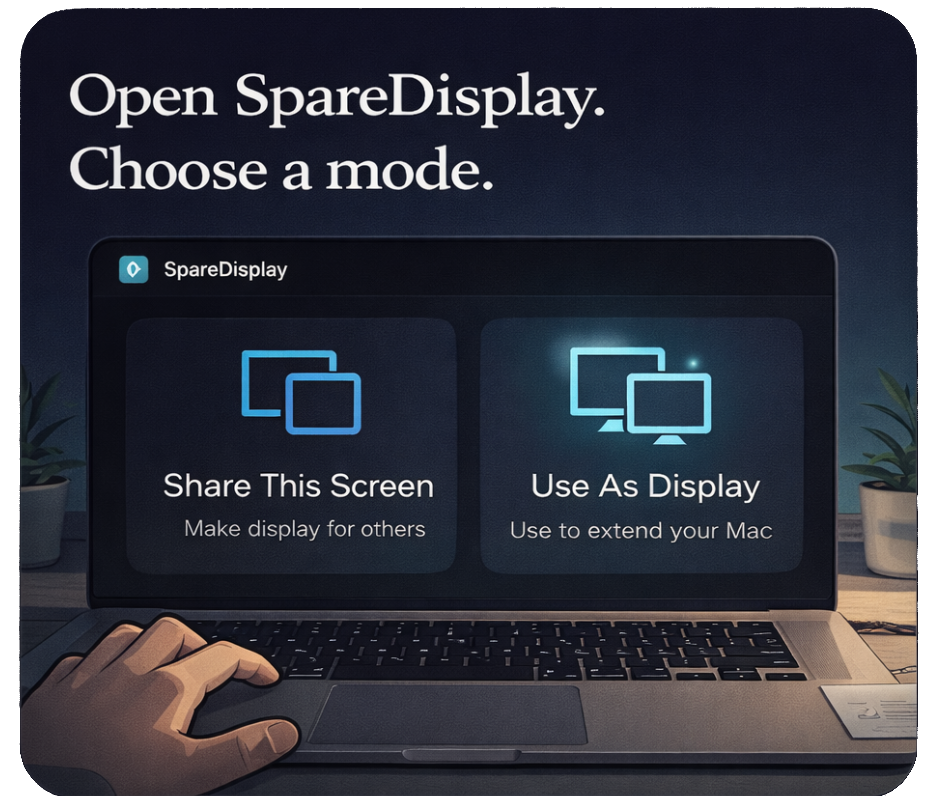
SpareDisplay fonctionne actuellement comme une app hôte Mac associée à un client Android. L'USB est la méthode de connexion la plus fiable.
- Un Mac exécutant l'app hôte SpareDisplay
- Un appareil Android avec le débogage USB activé
- Un câble de données USB
Installer l'hôte Mac
- Téléchargez SpareDisplay.dmg.
- Glissez SpareDisplay.app dans Applications.
- Lancez et accordez la permission d'Enregistrement d'écran.
- Rouvrez si macOS le demande.
Installer le client Android
- Installez SpareDisplay.apk.
- Activez les Options développeur.
- Activez le débogage USB.
- Connectez et acceptez l'invite de confiance.
Démarrer une session
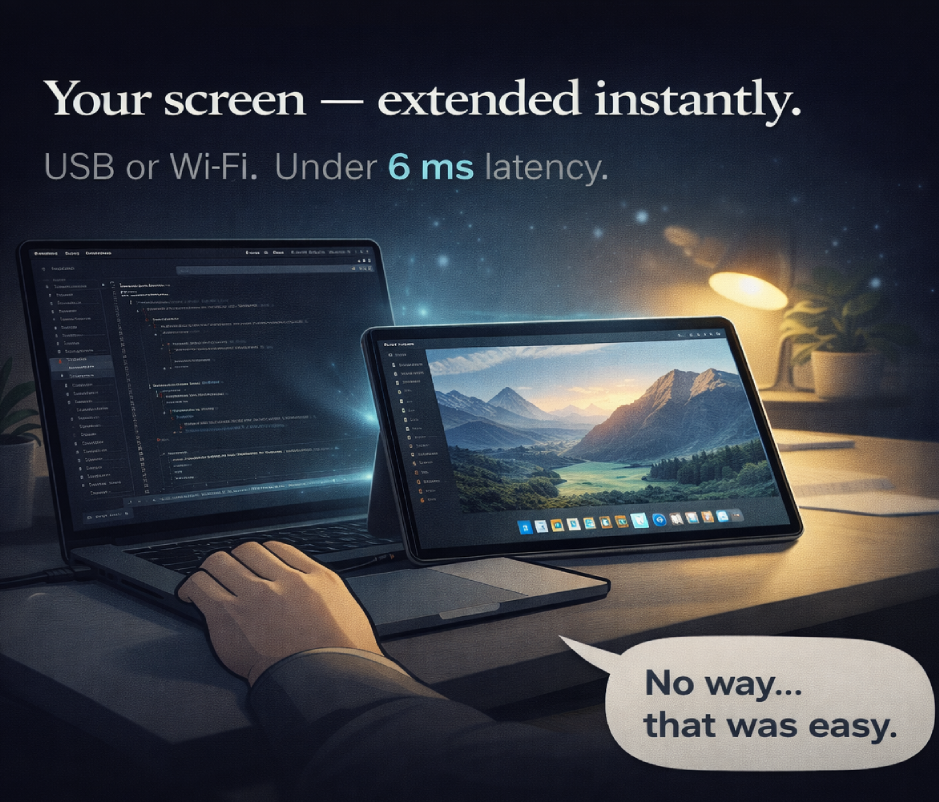
Ouvrez SpareDisplay sur les deux appareils. Gardez l'hôte actif dans la barre de menus du Mac. Le client Android se connecte automatiquement lorsqu'ADB détecte l'appareil.